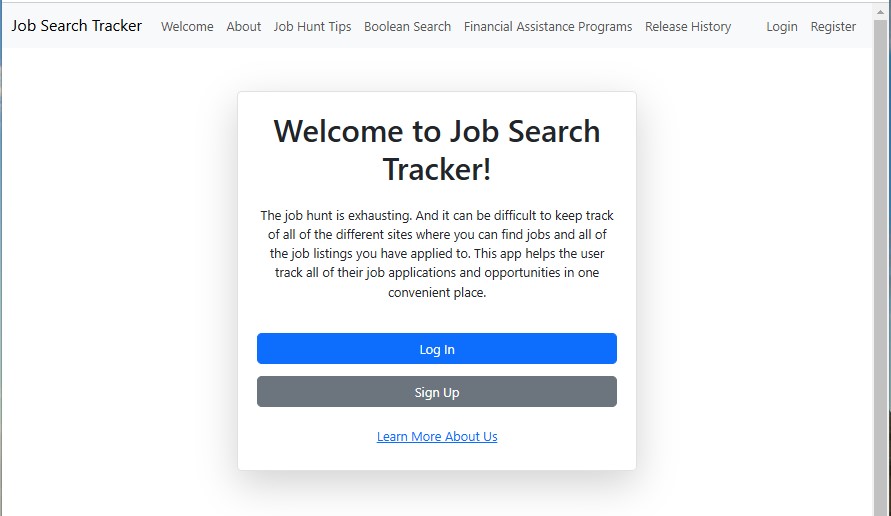
When the user first starts or opens the application, they are greeted with a welcome screen. The navigation menu shows each of the static documentation pages along with a Login and Register on the far right. The main default container is the Welcome container:
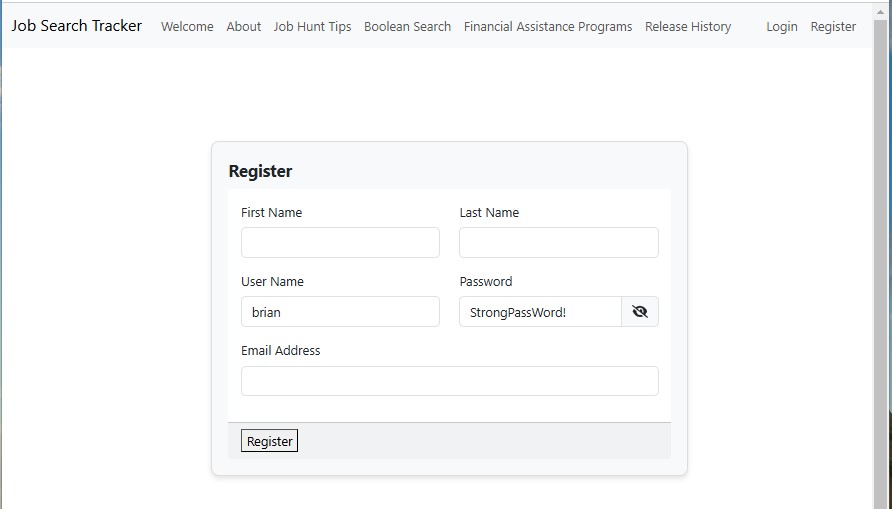
The content of all of the other links in the menu displays information about the application and some helpful Job Hunt information. The register link in the menu and the welcome sign-up link both route to the register container. The form has strong field value validation enabled. Once valid user information is entered, the register button creates the user profile within the application.
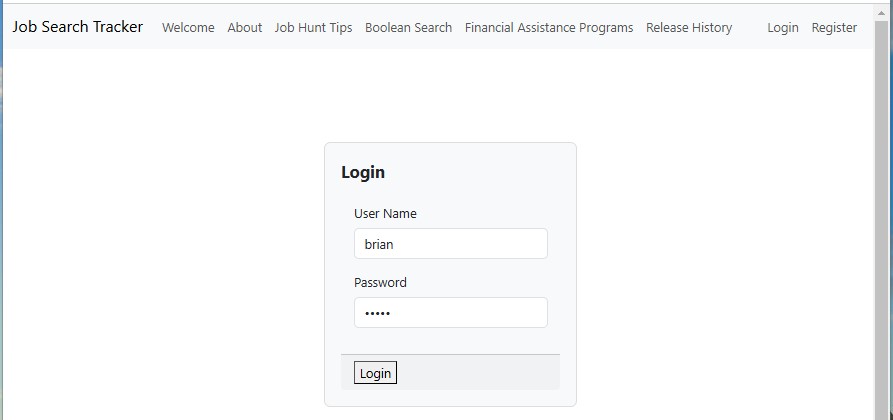
Subsequent loads of the application will result in either rendering the Welcome screen, the login, or the dashboard. The login is a pretty straightforward page.
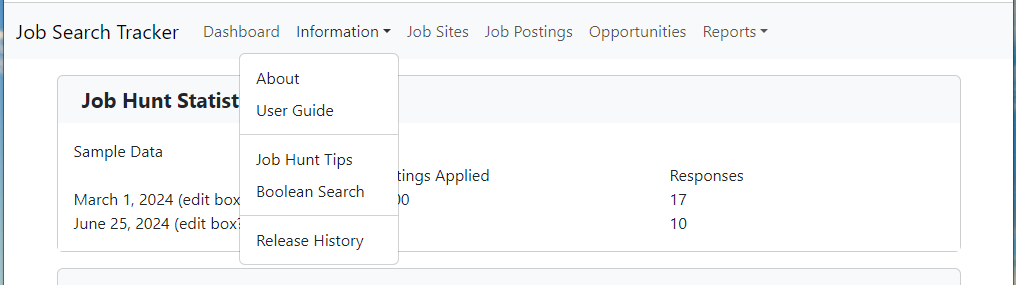
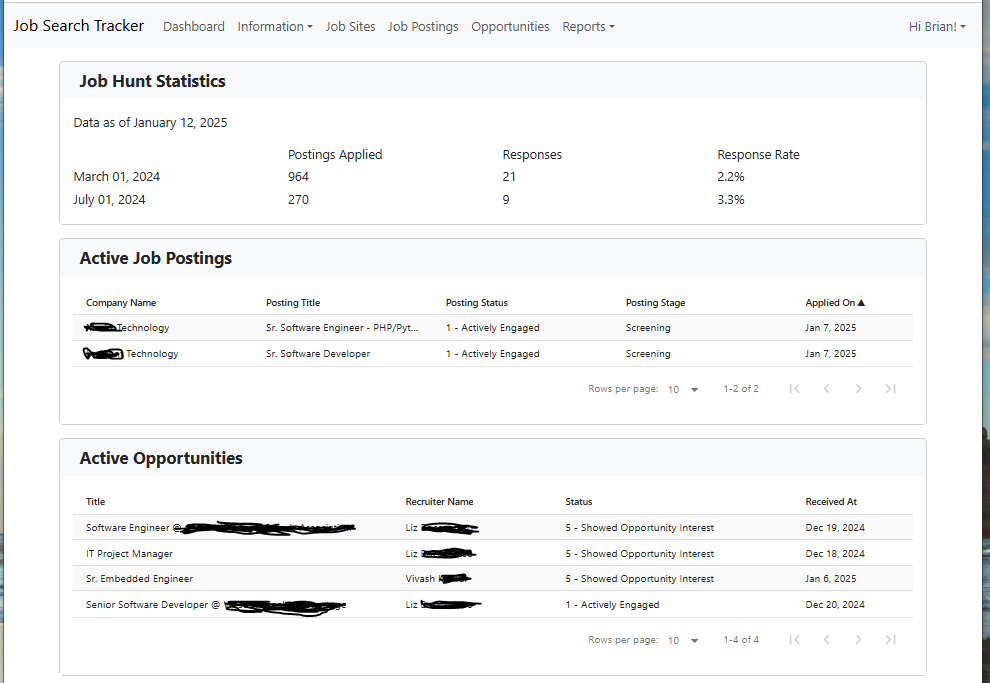
Once logged in, the dashboard will display current statistics for the user. The menu bar puts all of the static pages into the Information Submenu. The far right displays the user’s first name and the drop-down contains the Logout.
The About Page, Job Hunt Tips, Release History, and more, can all be located in the Information Dropdown: